Clipplane
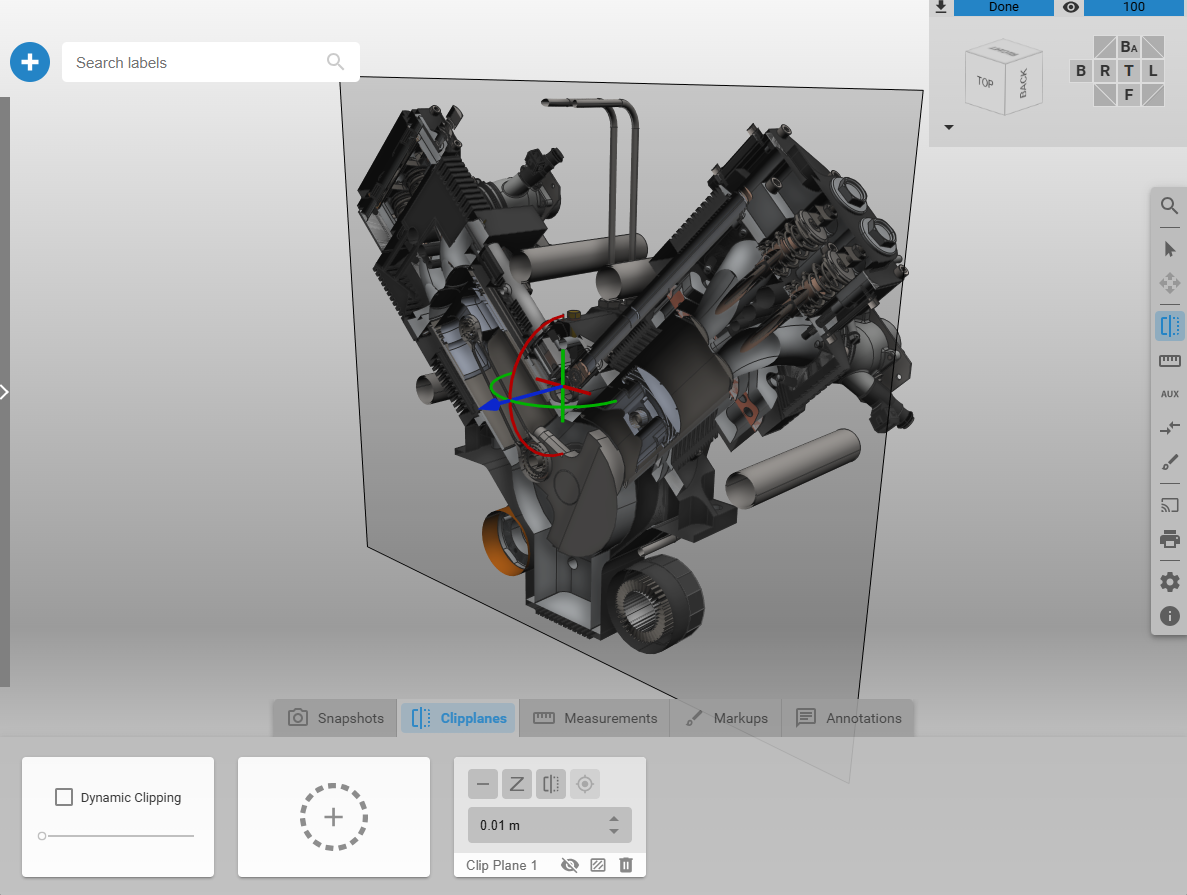
Clipplanes are used to visually cut through 3D models within a 3DSpace. They hide geometry on one side of a defined plane, enabling inspection of internal structures and cross-sections without modifying the underlying 3D data. Multiple clipplanes can be active simultaneously to focus on specific regions of interest.
Key Capabilities
Clipplanes support:
Interactive positioning: Define plane position and orientation in 3D space
Dynamic clipping: Attach a clipplane relative to the camera for interactive exploration
Capping geometry: Generate surfaces at cut areas to clearly distinguish solid and hollow regions
Selective application: Control which nodes in the InstanceGraph are affected
Configurable properties: Adjust parameters such as position, normal, distance, transform, and visibility
Clipping Rooms
A clipping room (clipping volume) consists of six orthogonal planes forming a box. Geometry outside the volume is hidden, allowing focused inspection of defined spatial regions.
Clipping rooms can be derived interactively, for example from the bounding volume of selected nodes in the InstanceGraph.


