3DSpace Collaboration
This tutorial explains how to collaborate in a 3DSpace.
Webvis provides the option to share the current 3DSpace with others to work together.
User Interface
Sharing a 3DSpace
To share the current 3DSpace, click the share icon in the toolbar, which opens the share menu.
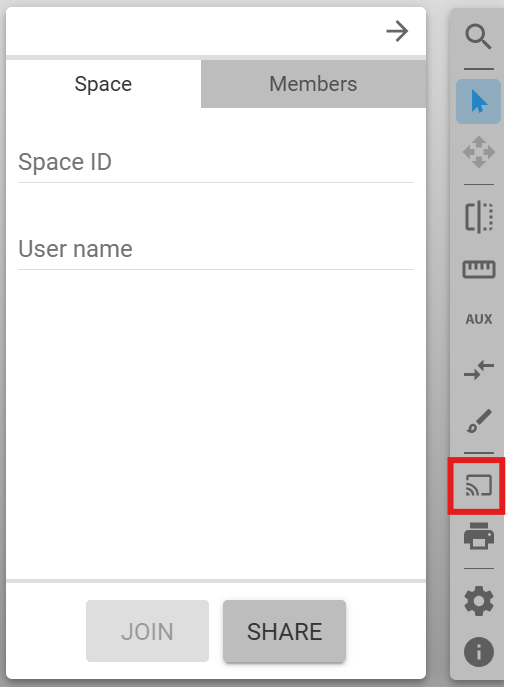
In the “Space” tab you can provide a “Space ID” for the space and your user name. All fields are optional. Click on the “SHARE” button to share the space with others. Click on the “JOIN” button to join an already shared space using the provided “Space ID”.
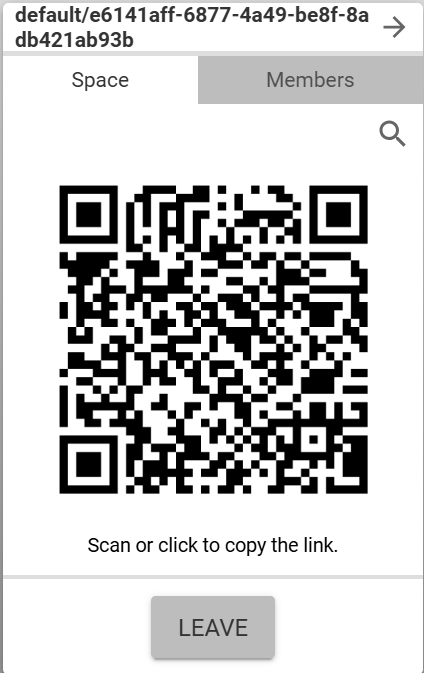
Now other users can join the 3DSpace by either scanning the QR code with a mobile device or opening the corresponding link in a browser. The link can be copied to the clipboard by clicking on the generated QR code. All joined members are listed in the “Members” tab.
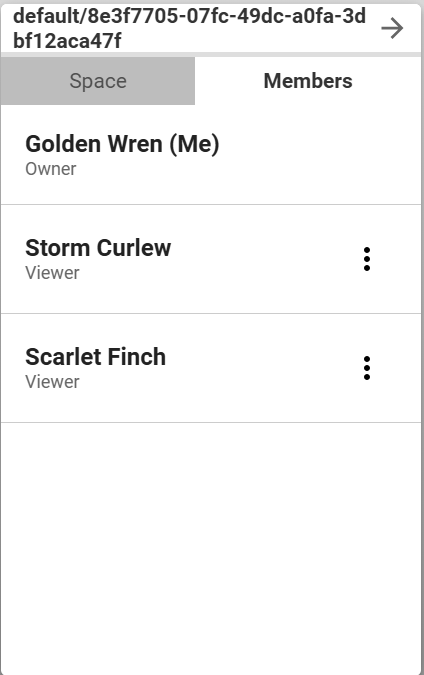
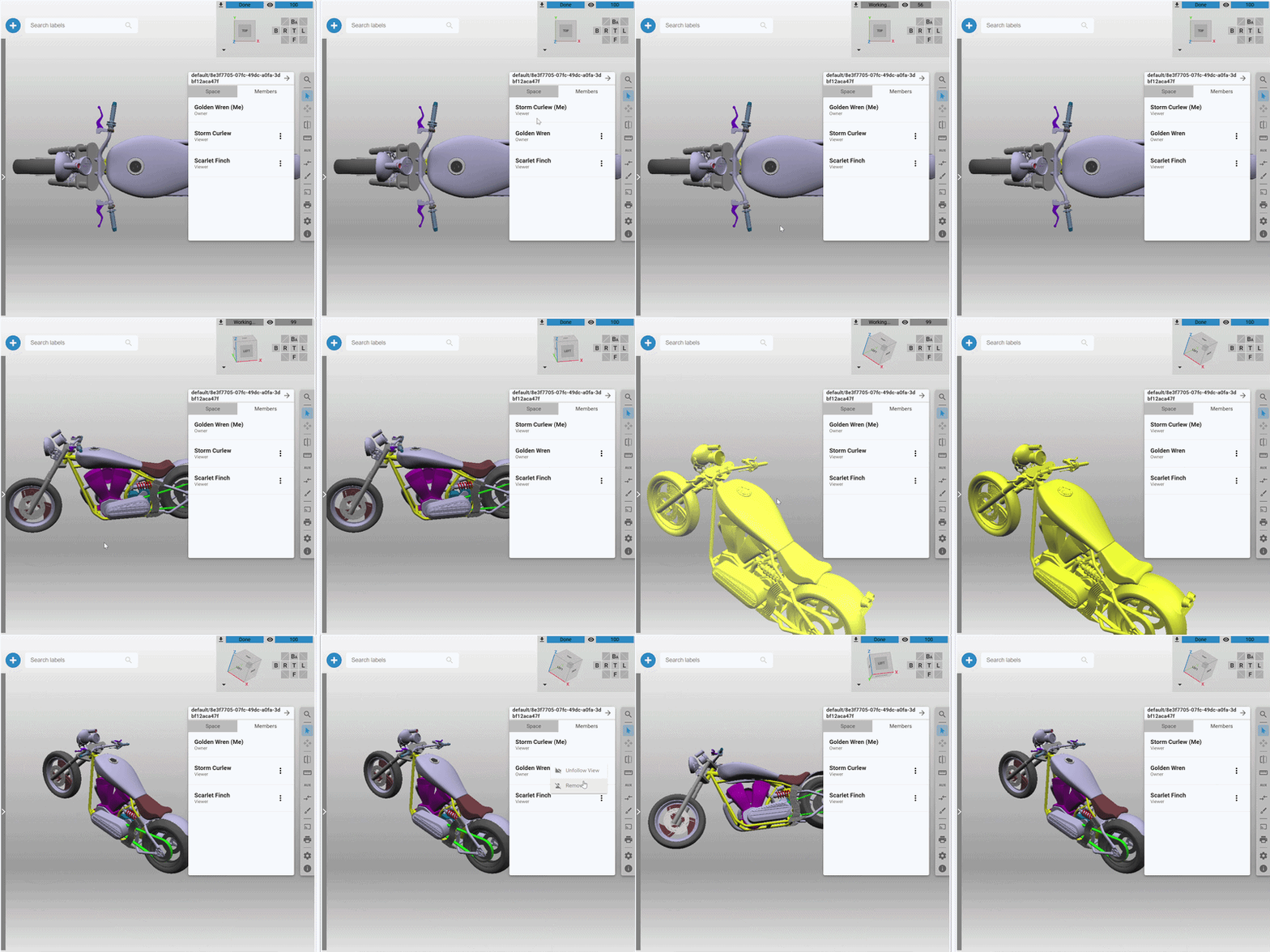
Clicking on the three dots next to a listed member opens a corresponding menu. There you can promote, demote or remove a member or follow the camera of a member.
Using the API
To share and join 3DSpaces via the API, please refer to the SpaceAPI.